The waiter’s app, in their pocket.
Staff do not have to walk back to the till. They see their tables, take an order on the spot and know the moment the kitchen has it ready.
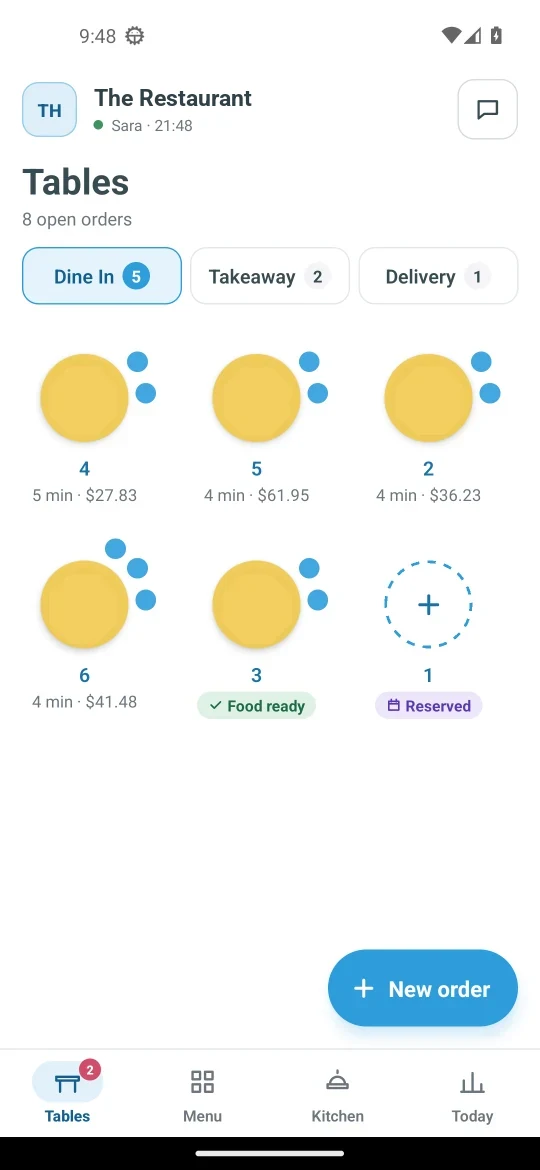
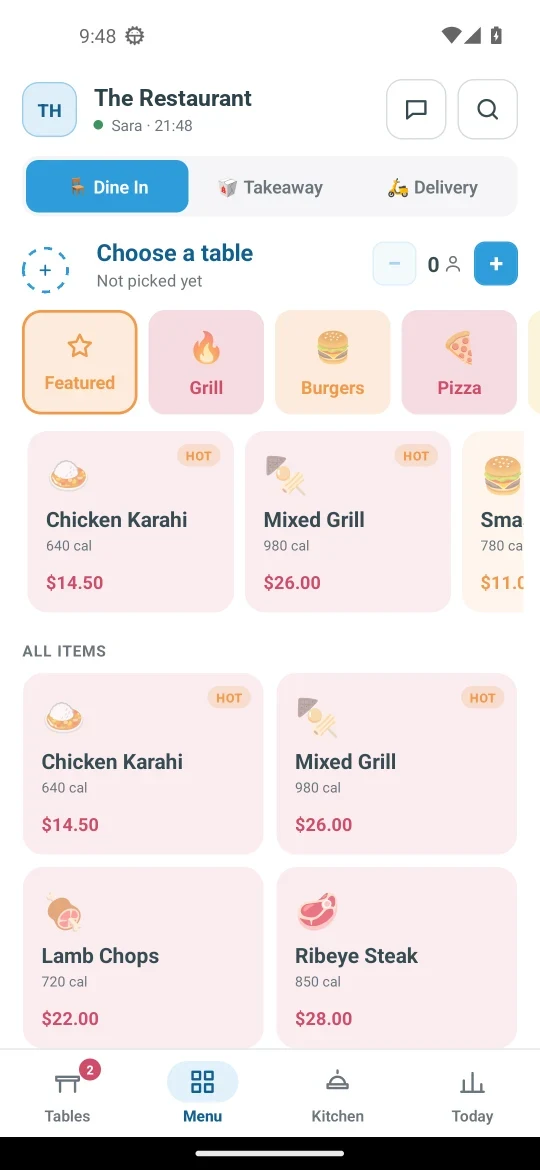
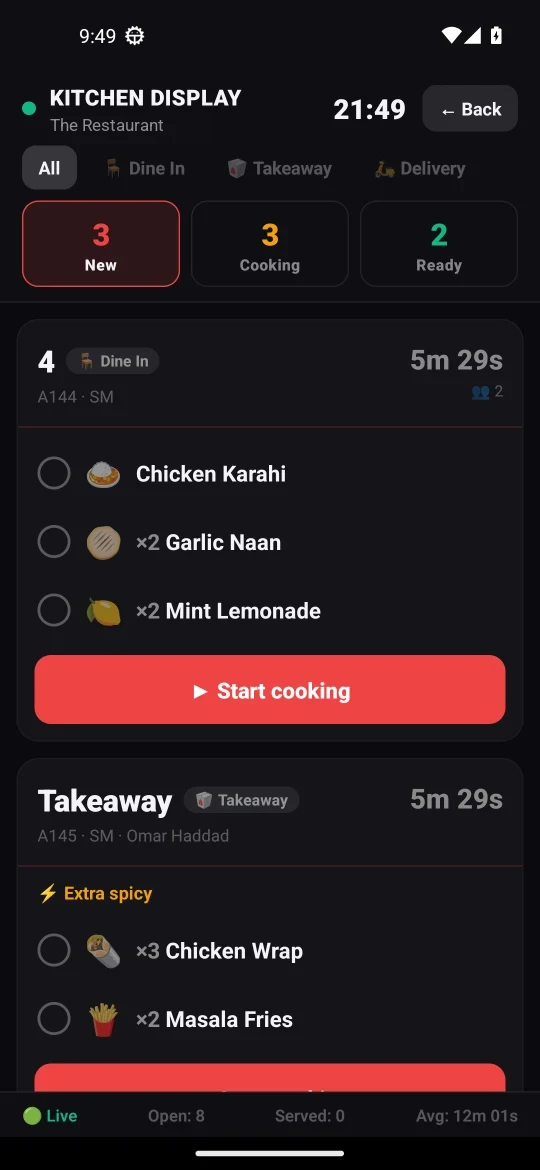
Tables at a glance
The Tables tab draws your open orders as the same round tables you see on the POS, with how long each has been open, its bill, and a clear mark when the food is ready. Choosing a table opens your own floor plan, with the chairs already taken filled in.
Take the order where the guest is
Choose Dine In, Takeaway or Delivery, set the table and guests, add dishes and send. Saving or paying only counts once the server has accepted it, so the phone never shows an order that was not really saved.
“Order ready”, even with the app closed
When the kitchen marks an order ready, the person who took it gets a notification on their phone, even with the app closed.
Split the bill at the table
The waiter can take the bill on the phone, with the tip beside it, and split it between guests, each paying their own way.
The right screens for each person
The app opens on the screens a person’s permissions allow: a waiter lands on Tables, someone who is only a chef lands on the kitchen display, and a rider lands on their own deliveries. Whoever looks after stock also gets the Store, to receive and count it at the shelf.
Questions
Does my team need to learn something new?
The app uses the same tables, menu and order types as the point of sale, so what they learn on one carries to the other.
What can each person see?
Only what their role allows. The server checks every request, not just the buttons.