See Fresh POS at work.
Short, real walkthroughs of the till, the floor and the set-up. Recorded in the app, no slides.
All videos
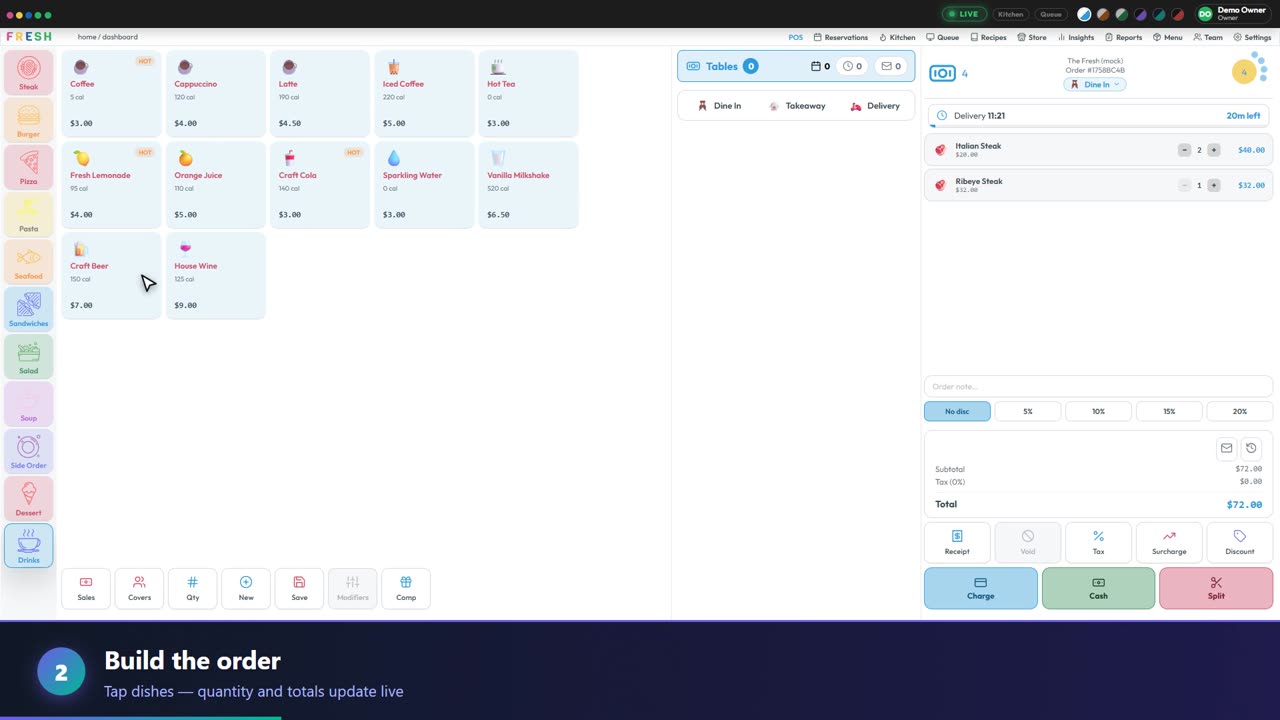
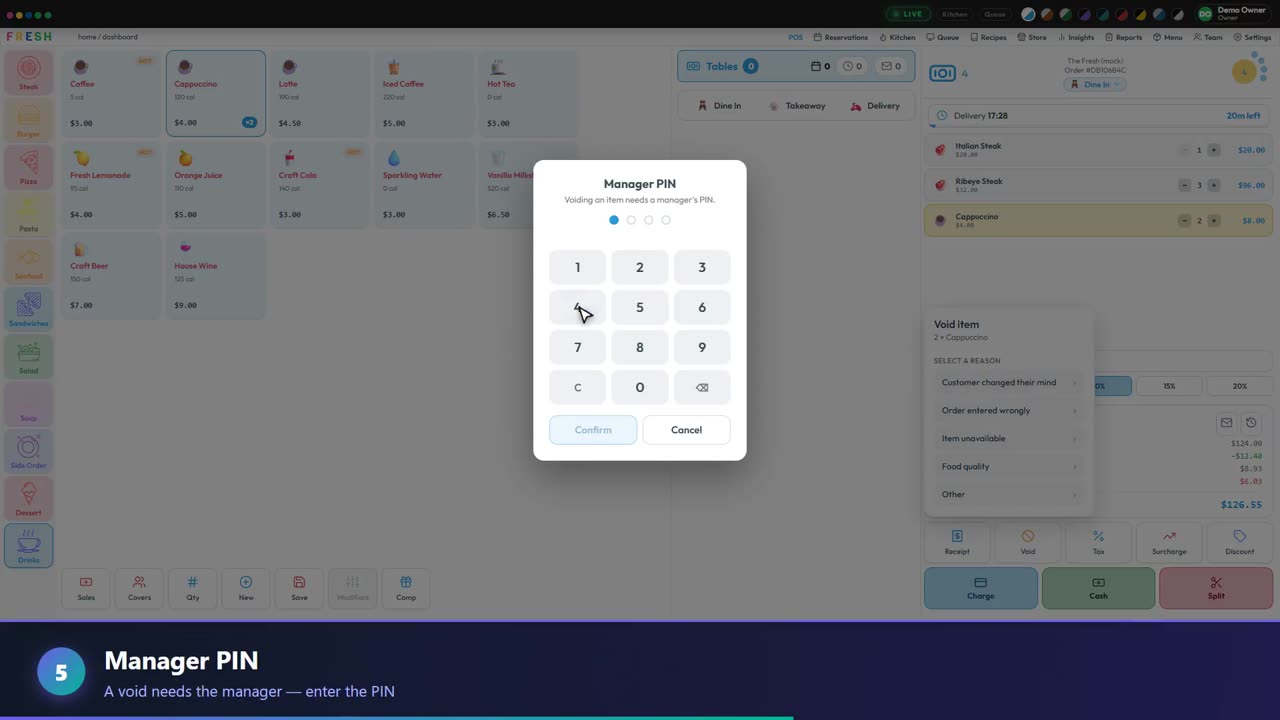 2:44Full tourOne order, start to finishSign in, take a table’s order, void with a PIN, talk to the team and get paid.
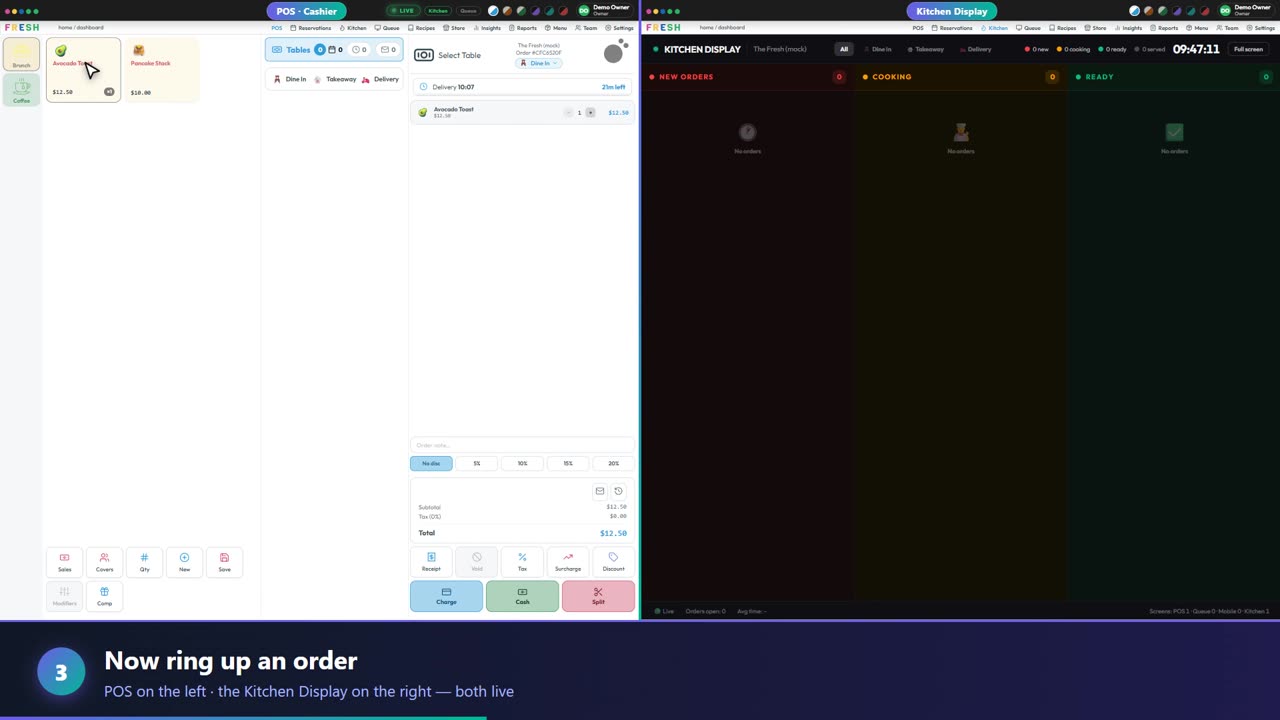 3:15Full tourFresh POS in one shiftSet up a menu, ring up an order, see it on the kitchen screen and take payment.
 2:50Front of houseTables, customers and billingSeat a table, set the covers, recognise a returning guest and print the receipt.
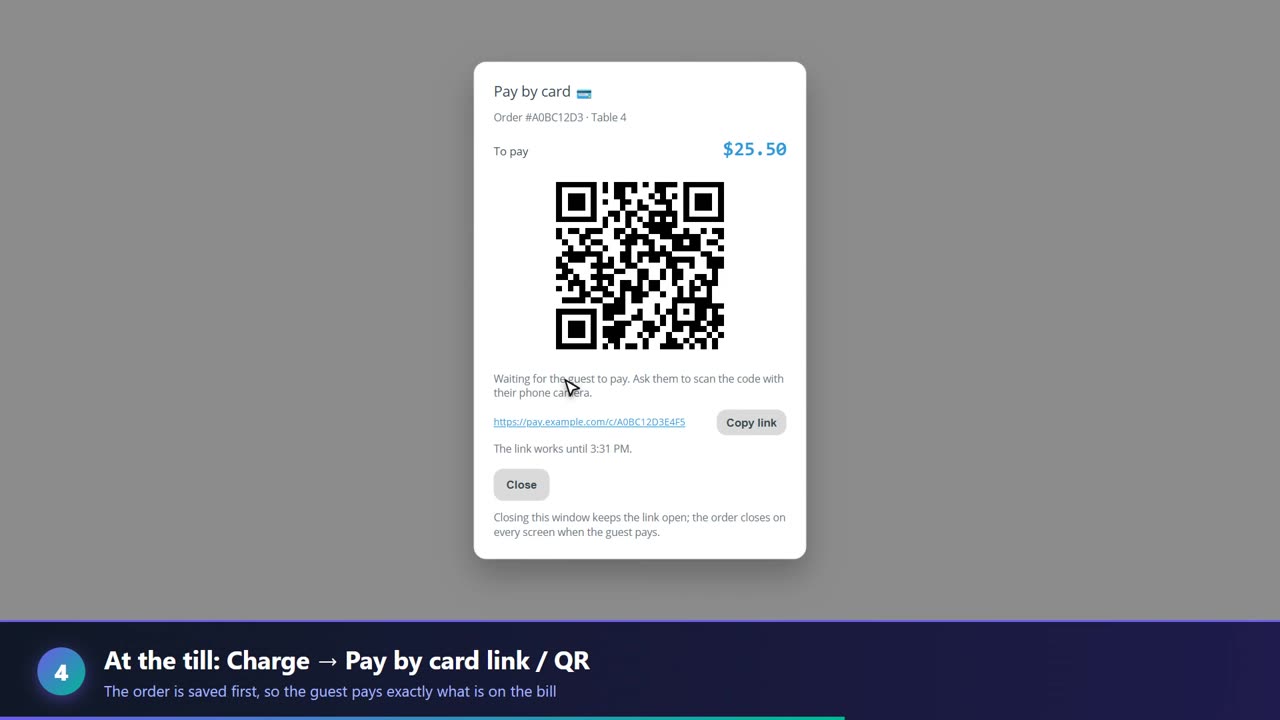 1:40Set-up guideTake card payments by QRConnect your own Stripe account, then let guests pay from a link or QR code.
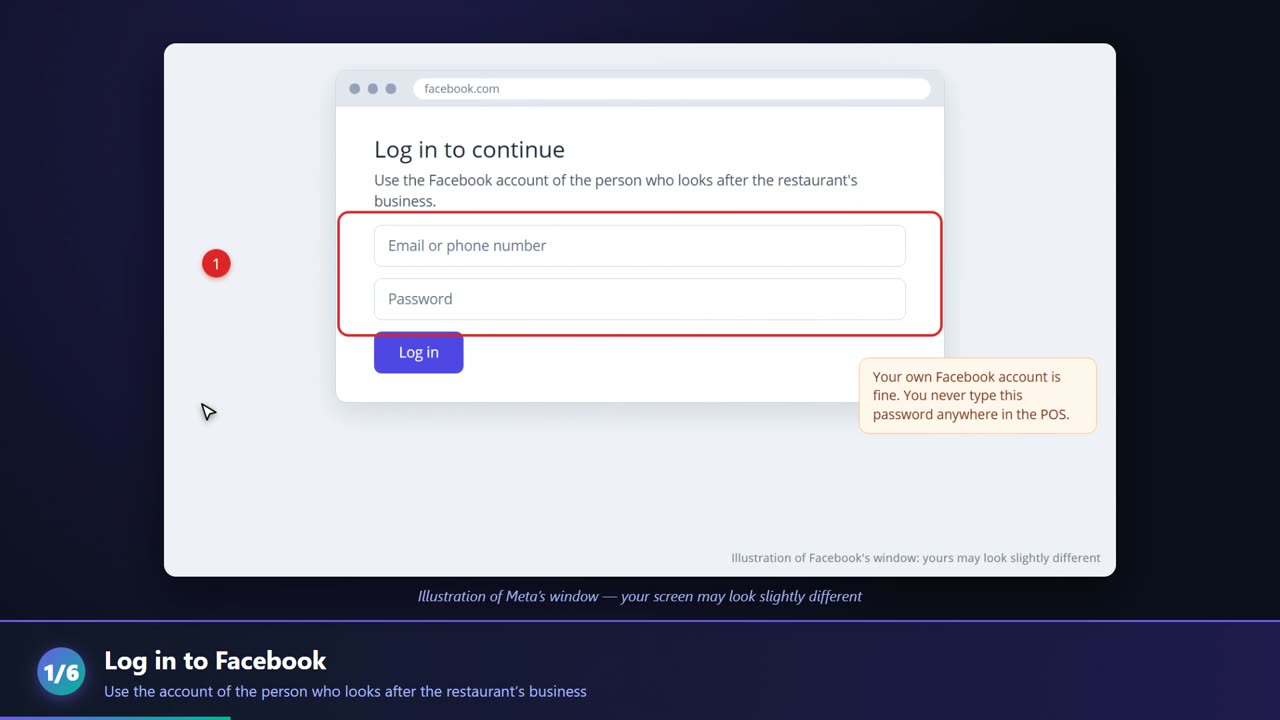 1:44Set-up guideTake orders on WhatsAppConnect your restaurant’s own WhatsApp number and customers can order from your menu.
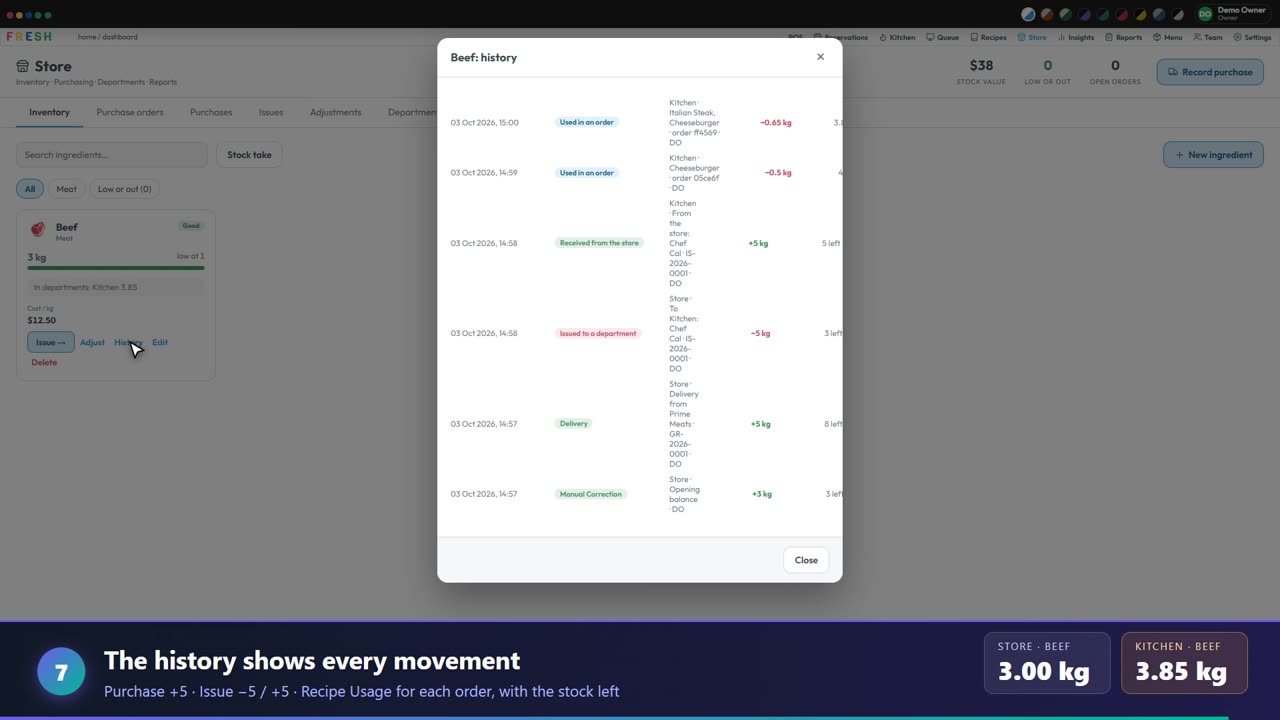 4:18Back officeHow stock flows: store to kitchenBuy it, issue it, cook it. See exactly where every kilo of beef went.
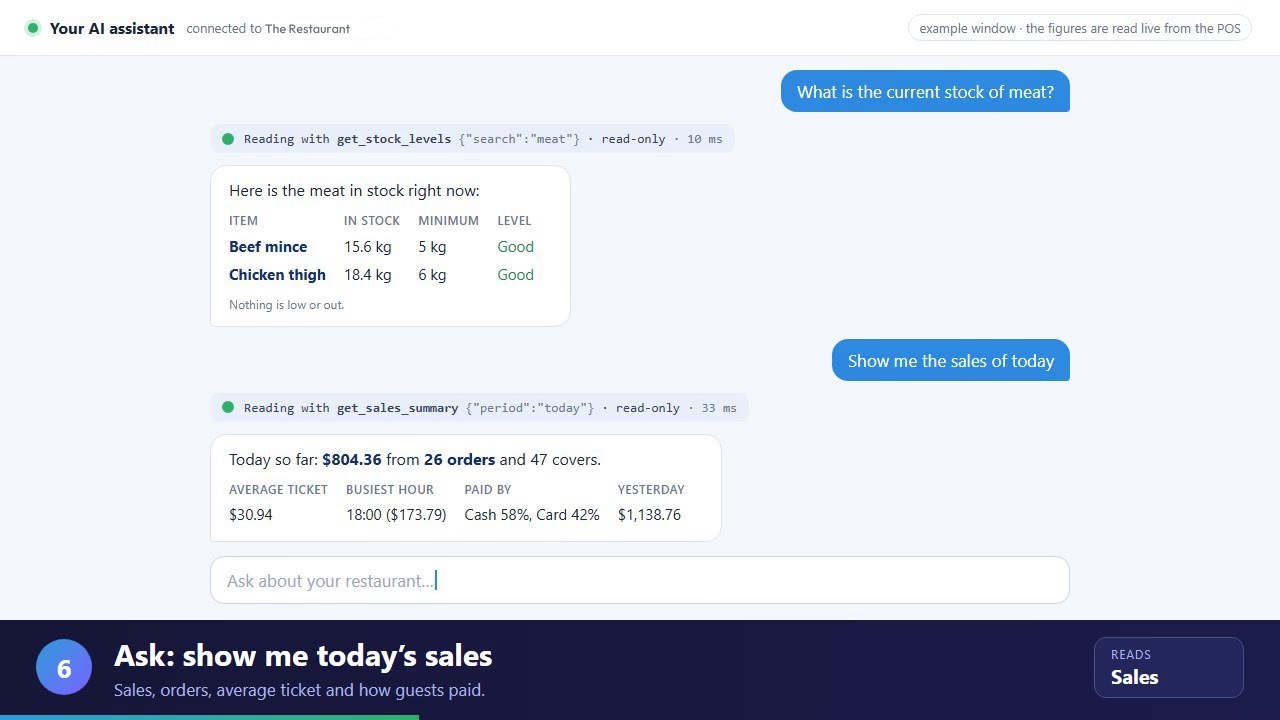 1:39AI assistantAsk your POS with AIConnect an assistant, then ask about stock, sales, fast movers and late orders. Read-only.
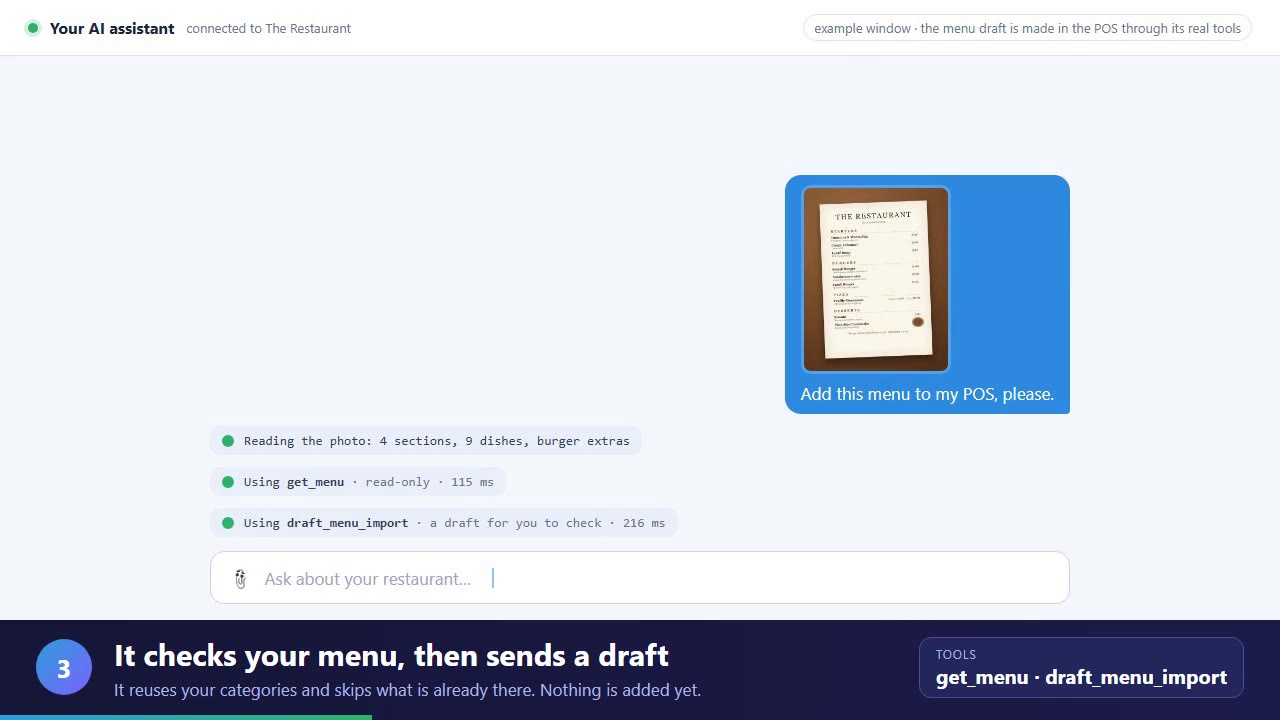 1:31AI assistantAdd your menu with AISend your assistant a photo of the menu. It drafts it in your POS, you check it and add it.
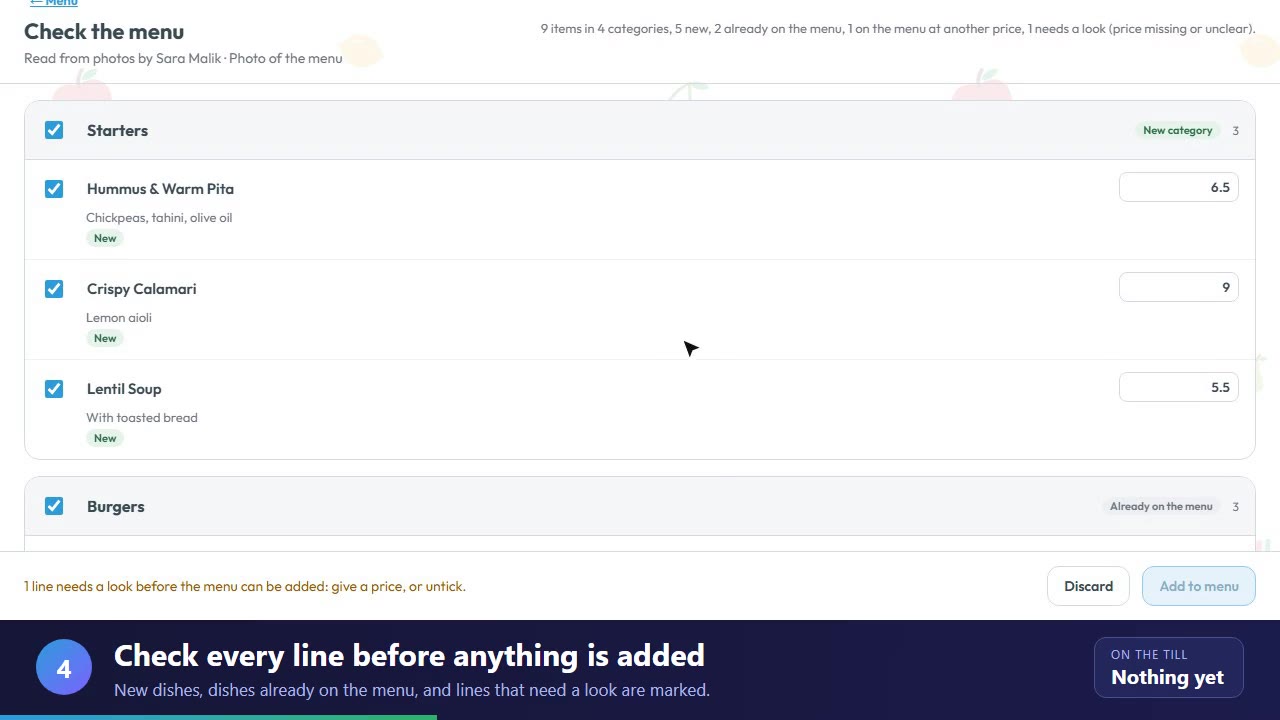 1:18Menu set-upImport your menu from a photoChoose a photo of your menu in the Menu Manager. It is read for you, then you check it and add it.
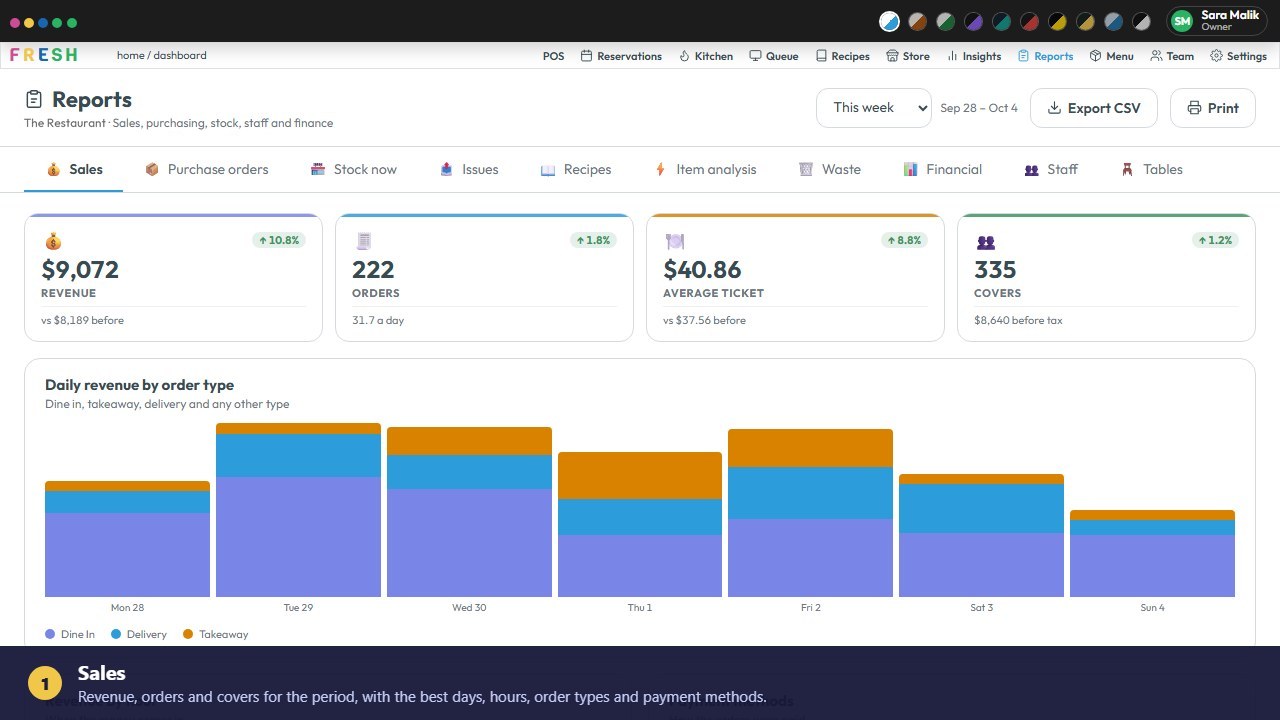 2:37ReportsEvery report in Fresh POSSales, stock, waste, staff, tables and the end-of-day report, each with real figures.
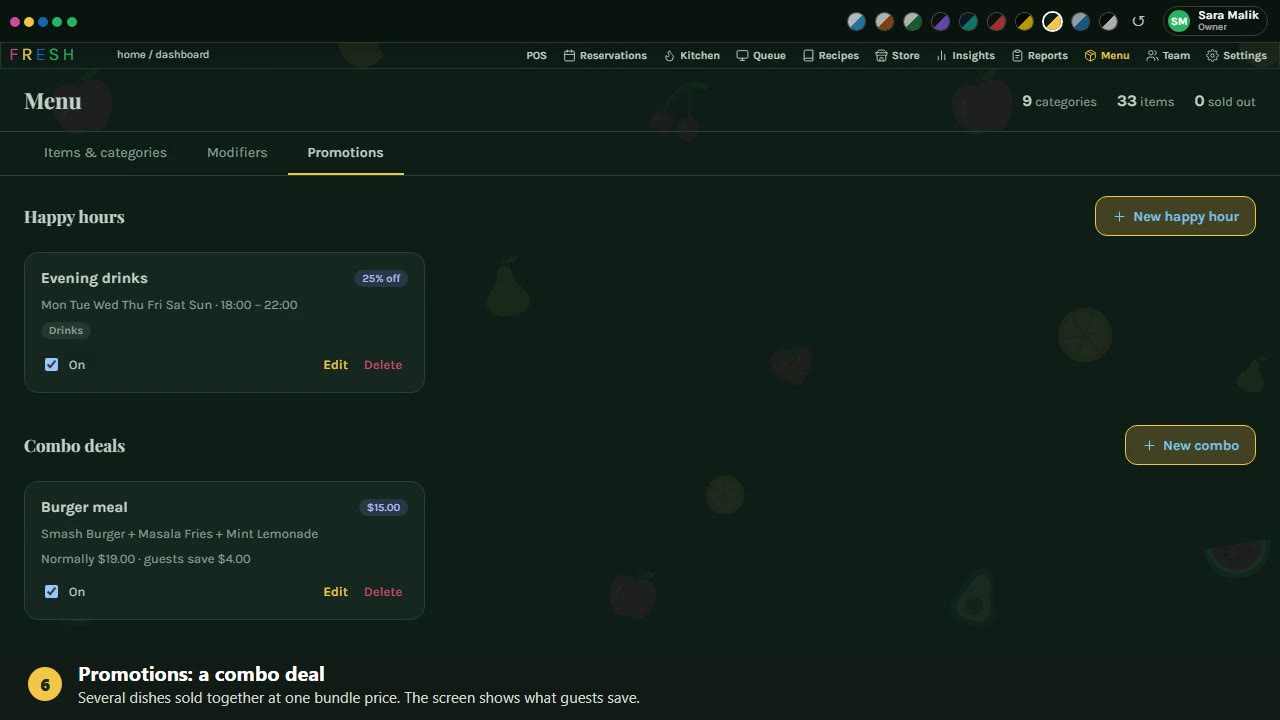 1:47Menu set-upModifiers and promotionsAdd spice levels and extras, a happy hour and a combo deal, then see them on the till.
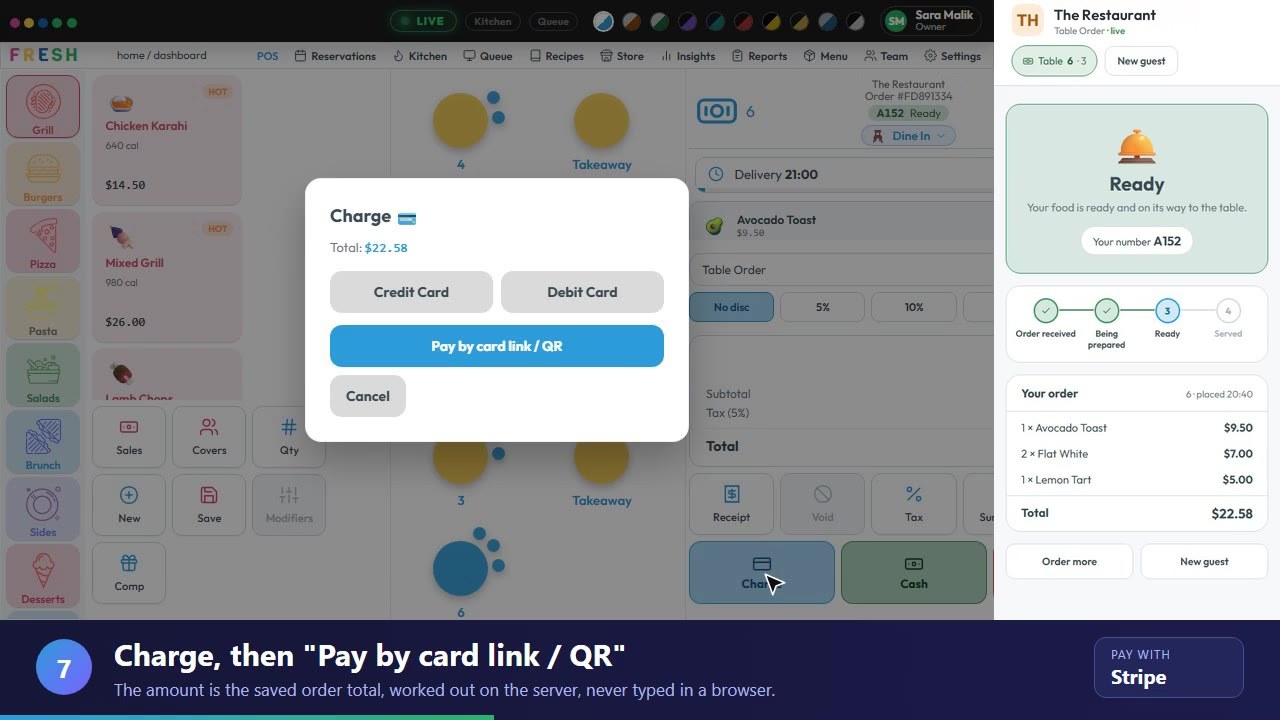 1:32Table orderingTable order: QR code to paymentScan, order on a phone, follow the kitchen, pay by card, and the order closes by itself.
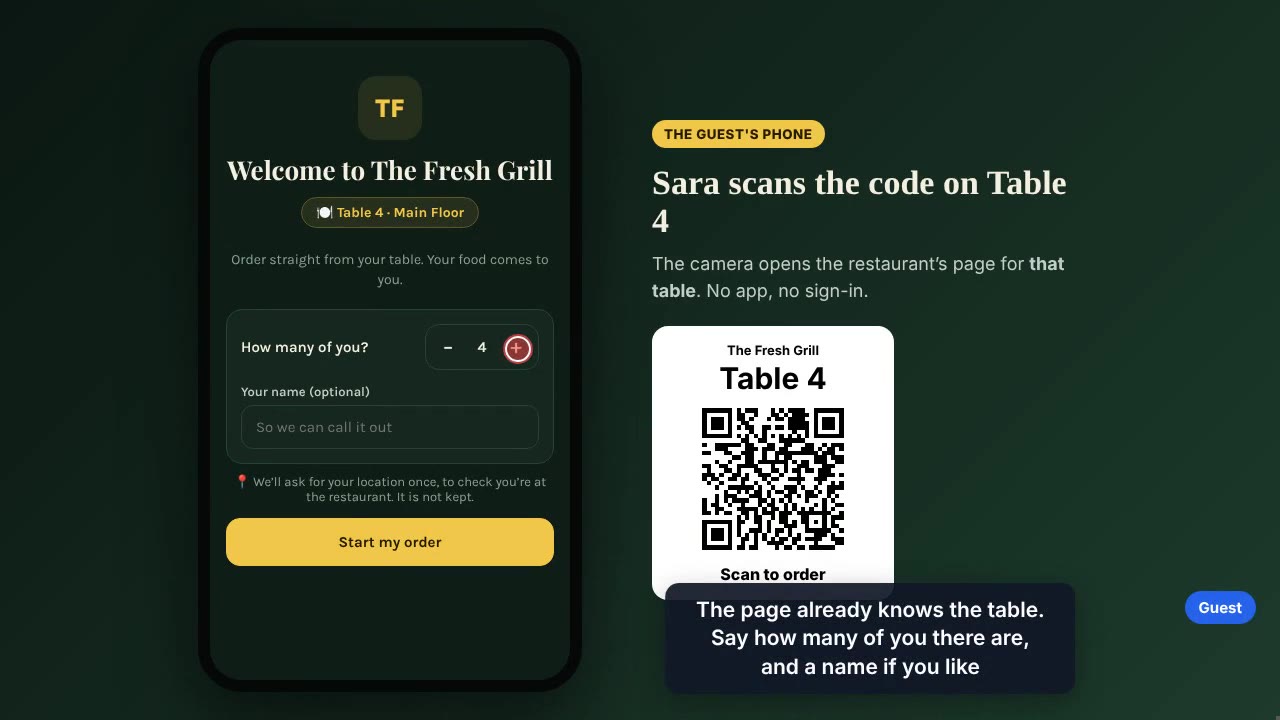 2:48Table orderingQR codes on the tablesPrint codes for chosen tables, guests order on their phone, you accept on the POS.
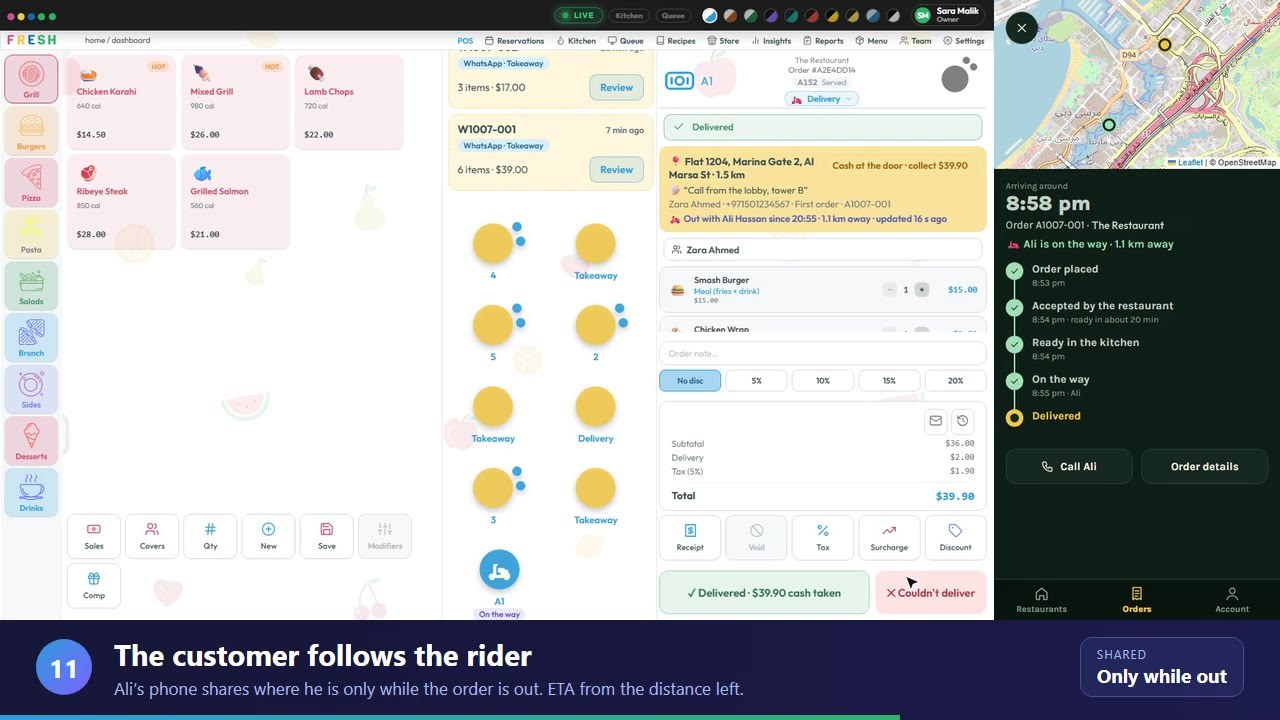 2:28DeliveryOrder link to deliveredSend an order link on WhatsApp, accept the order, send a rider and follow it to the door.
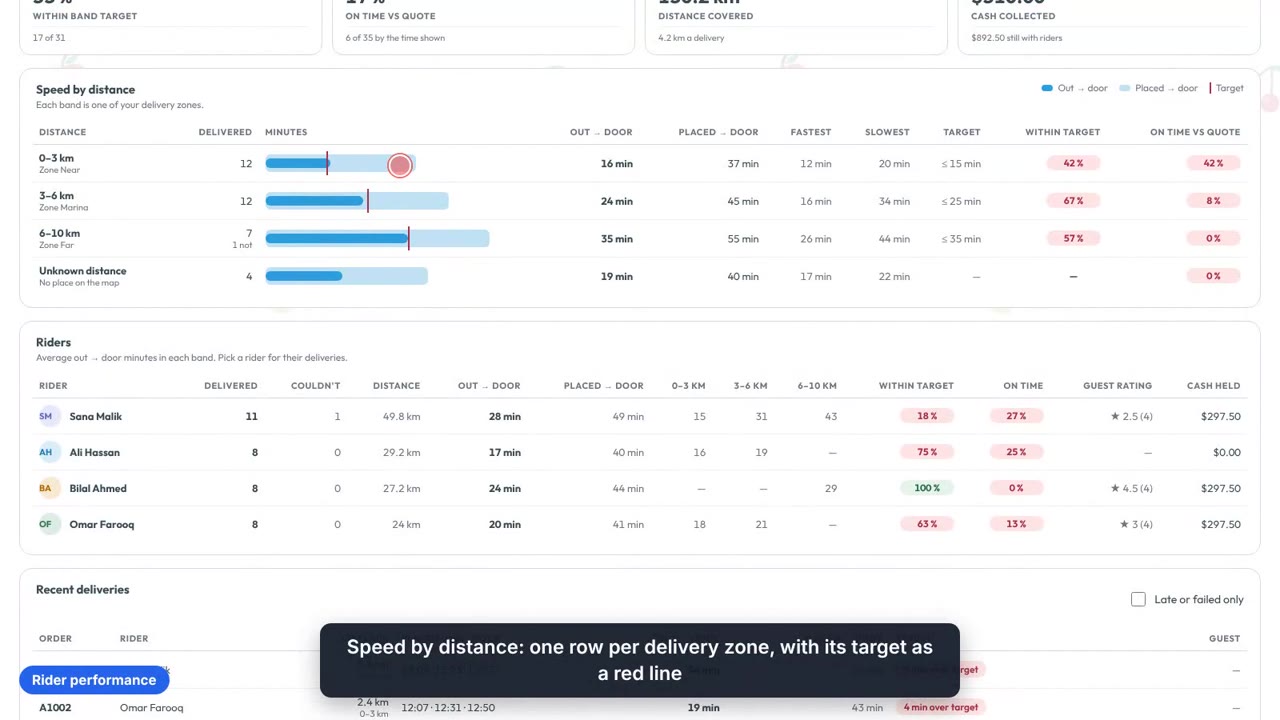 3:20DeliveryRider performance and guest feedbackDelivery times against each zone’s target, and guests rating their order from a QR code.
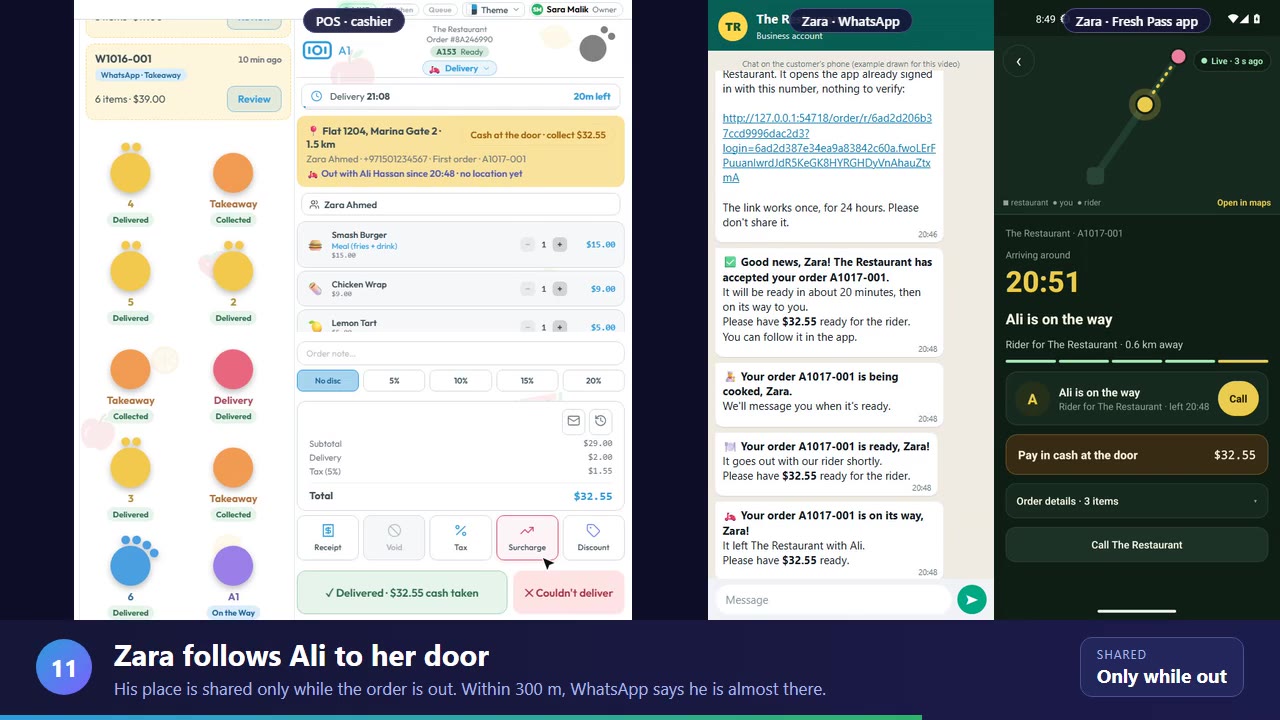 3:25OrderingTable QR and a WhatsApp delivery, start to finishA table’s QR order and a WhatsApp delivery, side by side with the guest’s phone, to the door.
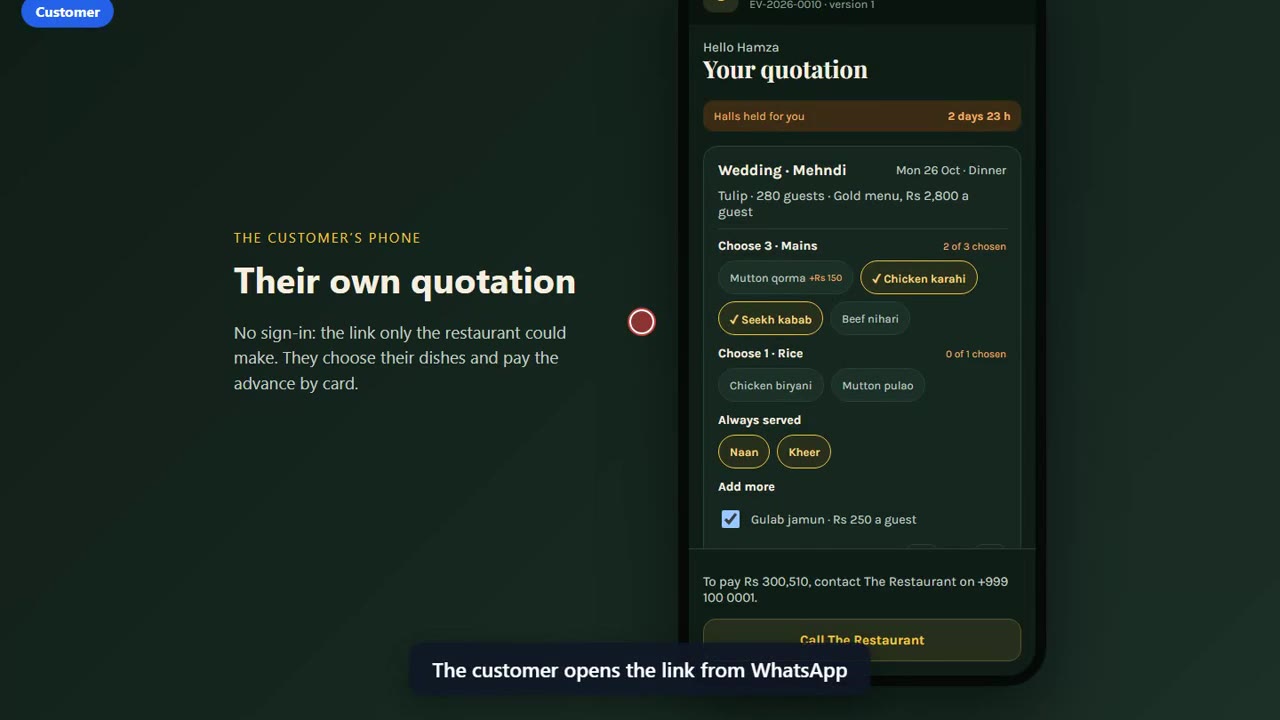 3:32EventsEvents and banquetsHalls, packages, quotations that hold a hall, the advance, the kitchen plan and the bill.
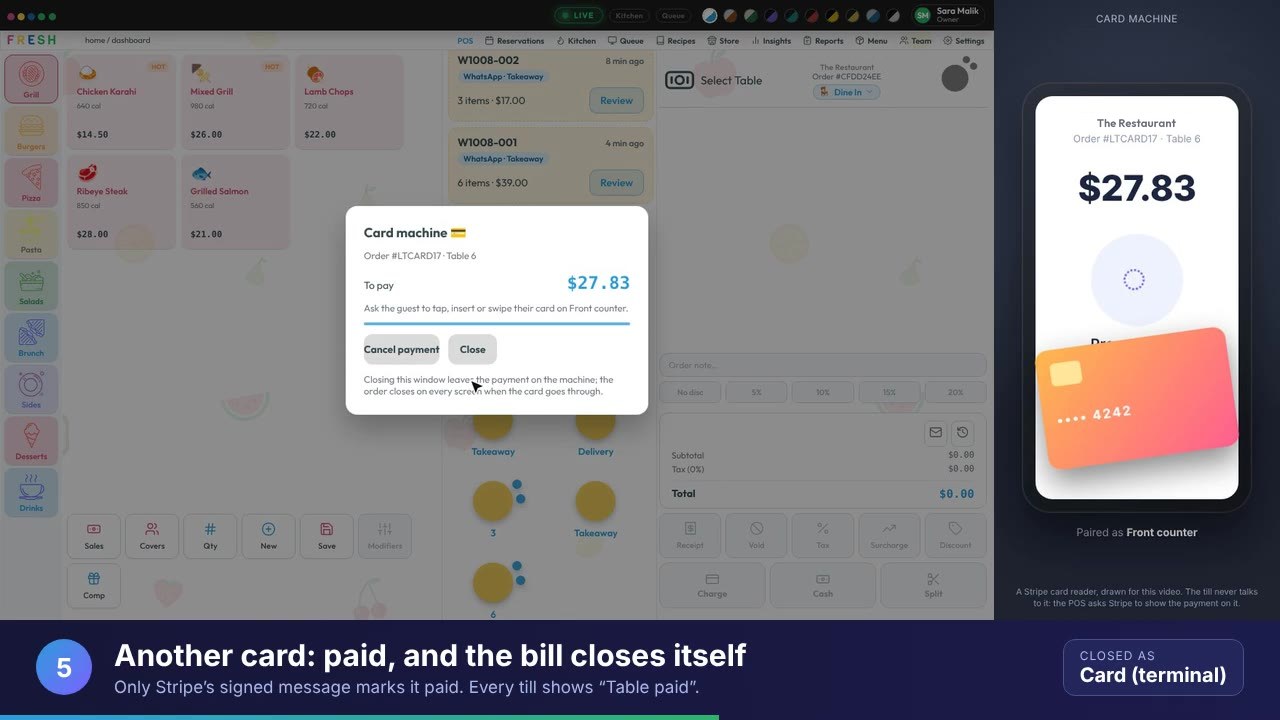 1:18PaymentsCharge on a card machinePair a Stripe reader, send the bill to it, and the order closes when the card is approved.
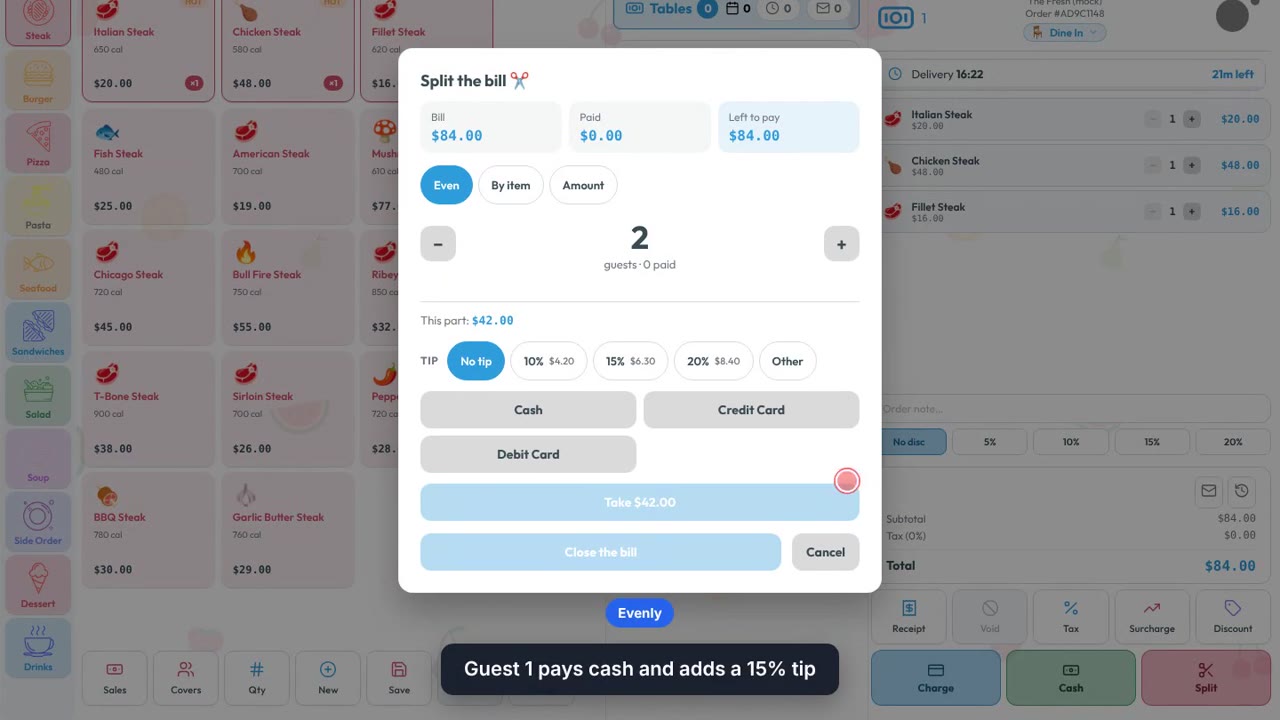 1:09Front of houseSplit the bill, with tipsSplit evenly, by item or by amount, take cash with a tip and card for the rest.
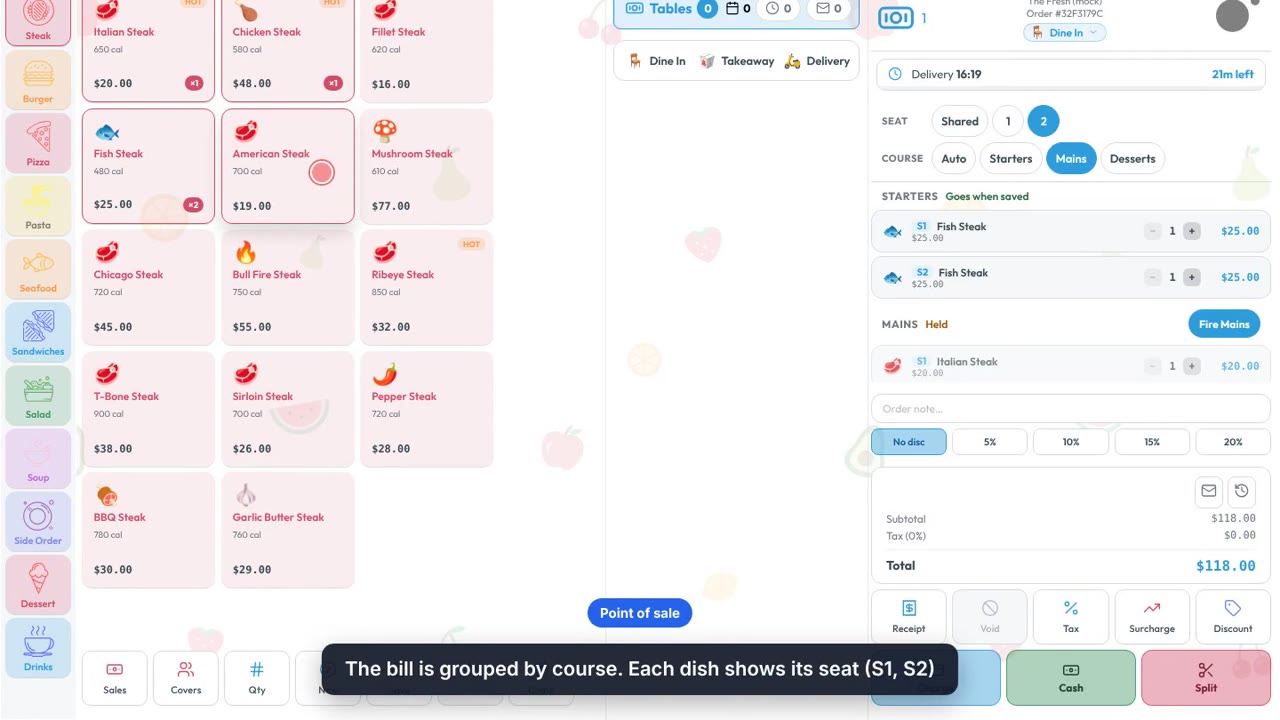 2:02Front of houseCourses and seatsStarters go first, mains wait until you fire them, and the bill splits by seat.
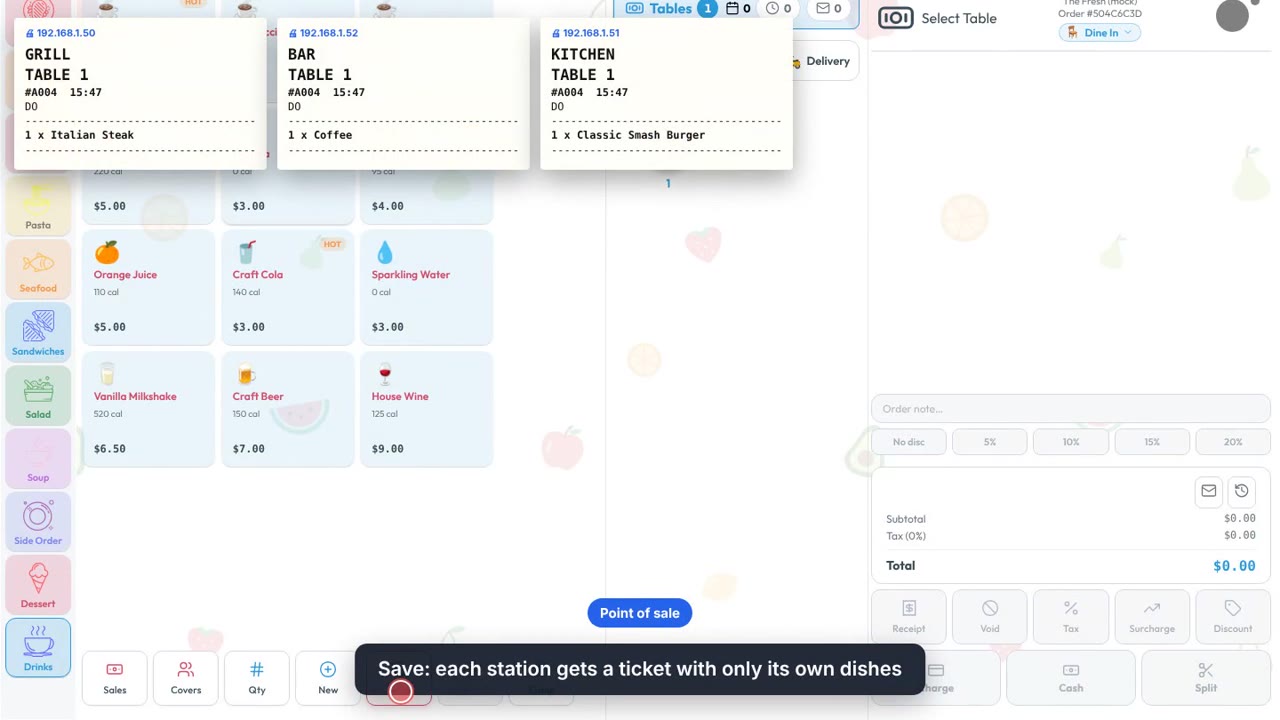 2:16KitchenKitchen stations and printingA Grill, a Bar and a Kitchen, each printing and cooking only its own dishes.
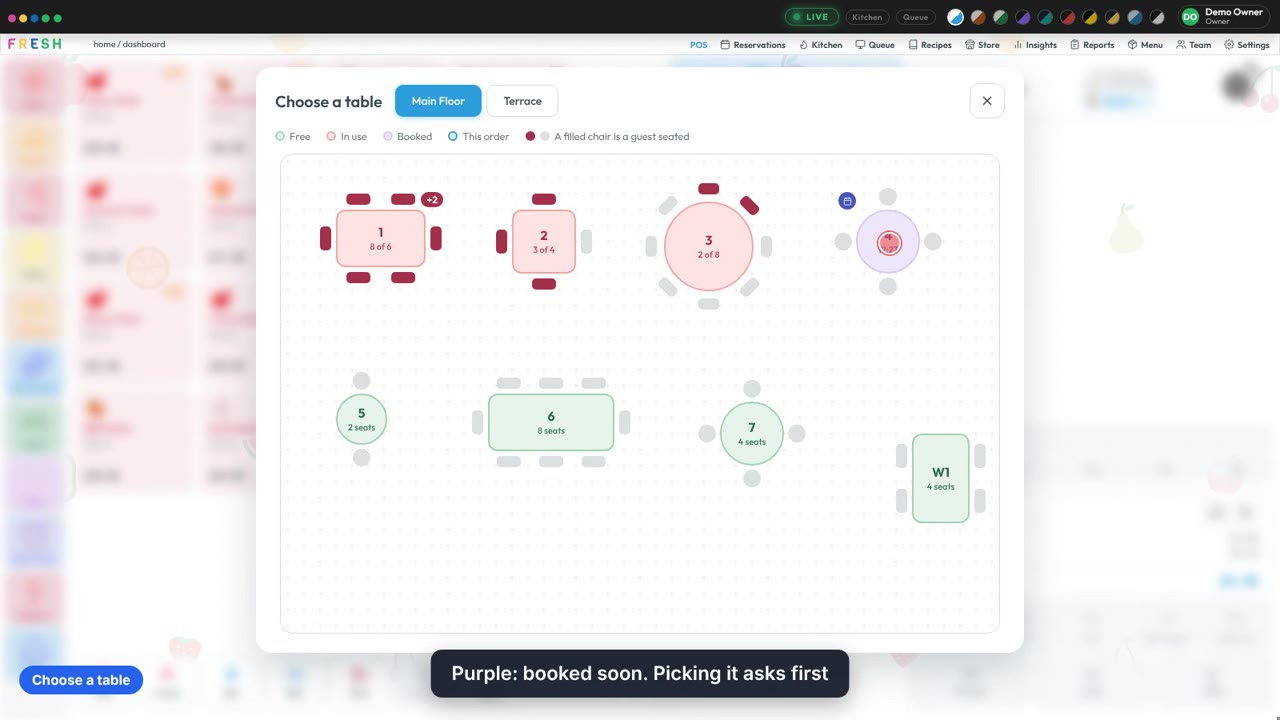 3:14Set-up guideDraw your floor planShape tables and chairs, drag them into place, and pick from the plan at the till.
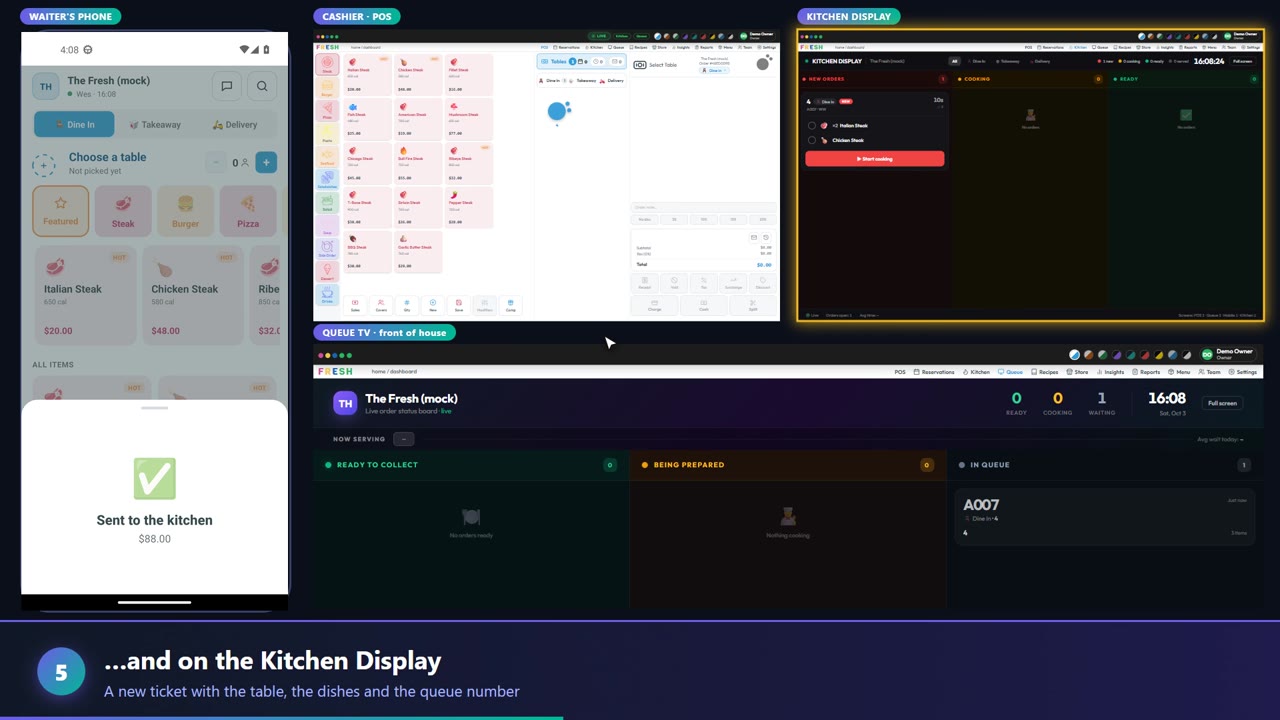 2:35Waiter appPhone to kitchen and queue TVAn order taken on the phone lands on the POS, the kitchen and the queue TV live.
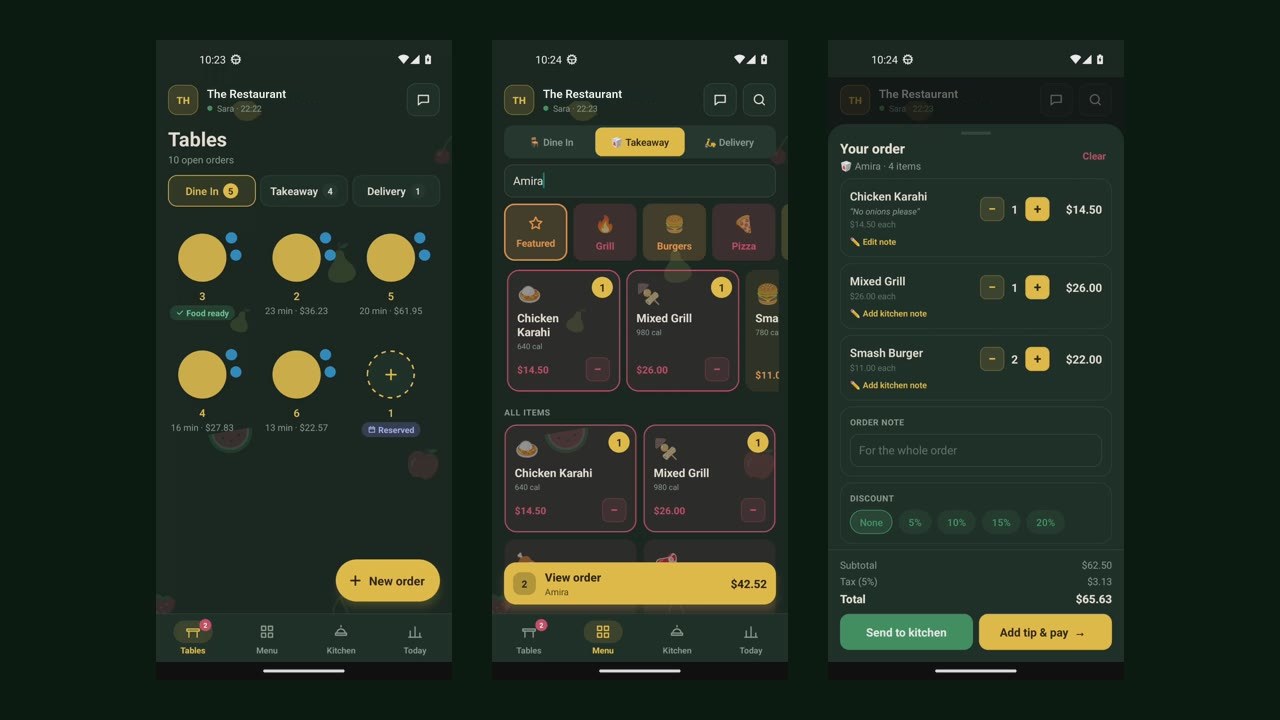 1:28Waiter appA takeaway order on the phoneName, dishes, a kitchen note and send: an order on the phone app in under a minute.