Add your menu with AI, from one photo.
Connect your assistant with “Draft a menu from photos”, attach a photo of your menu and ask. It sends a draft to your POS, and nothing is on the till until you have checked it.
What you’ll see
- The assistant can only prepare a draft. Nothing reaches the till until a person checks it and presses Add to menu.
- Dishes already on your menu are matched, so they are not added twice. A changed price is only updated if you tick it.
- An import can be undone for 24 hours.
- The assistant window in this video is an example. The connection, the draft, the review page and the menu are the real ones, in a demo restaurant.
Watch next
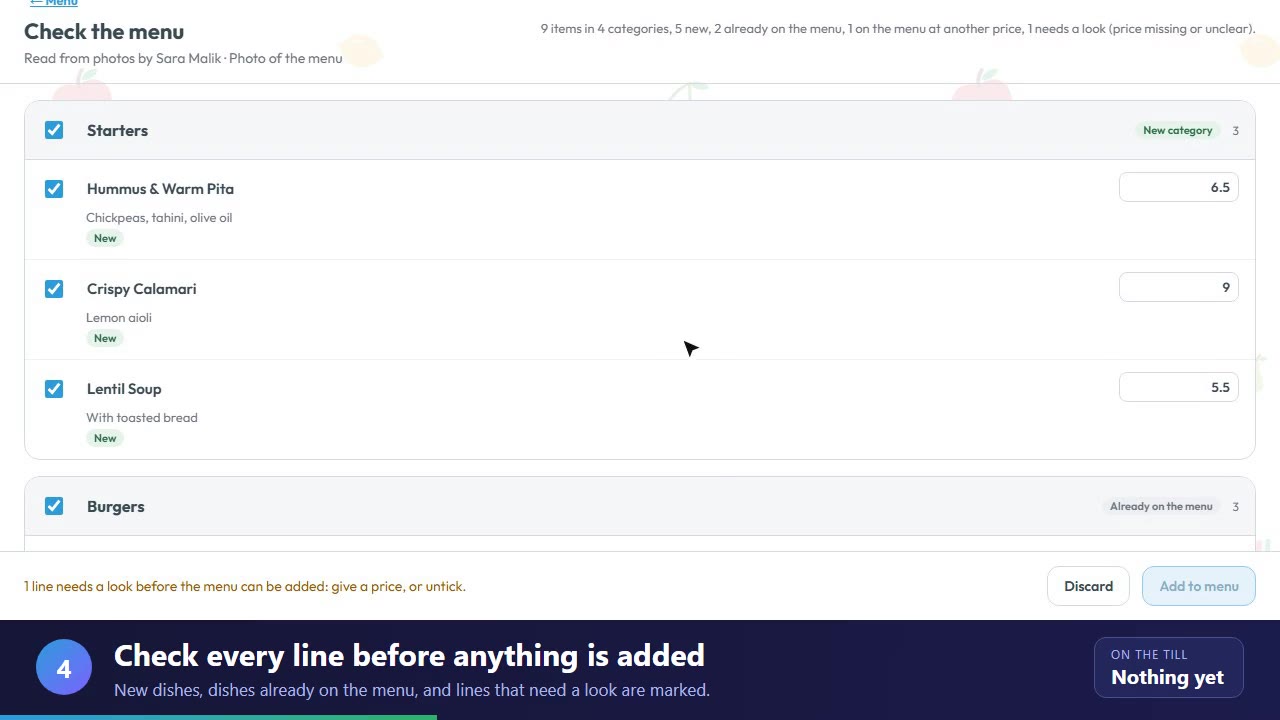 1:18Menu set-upImport your menu from a photoChoose a photo of your menu in the Menu Manager. It is read for you, then you check it and add it.
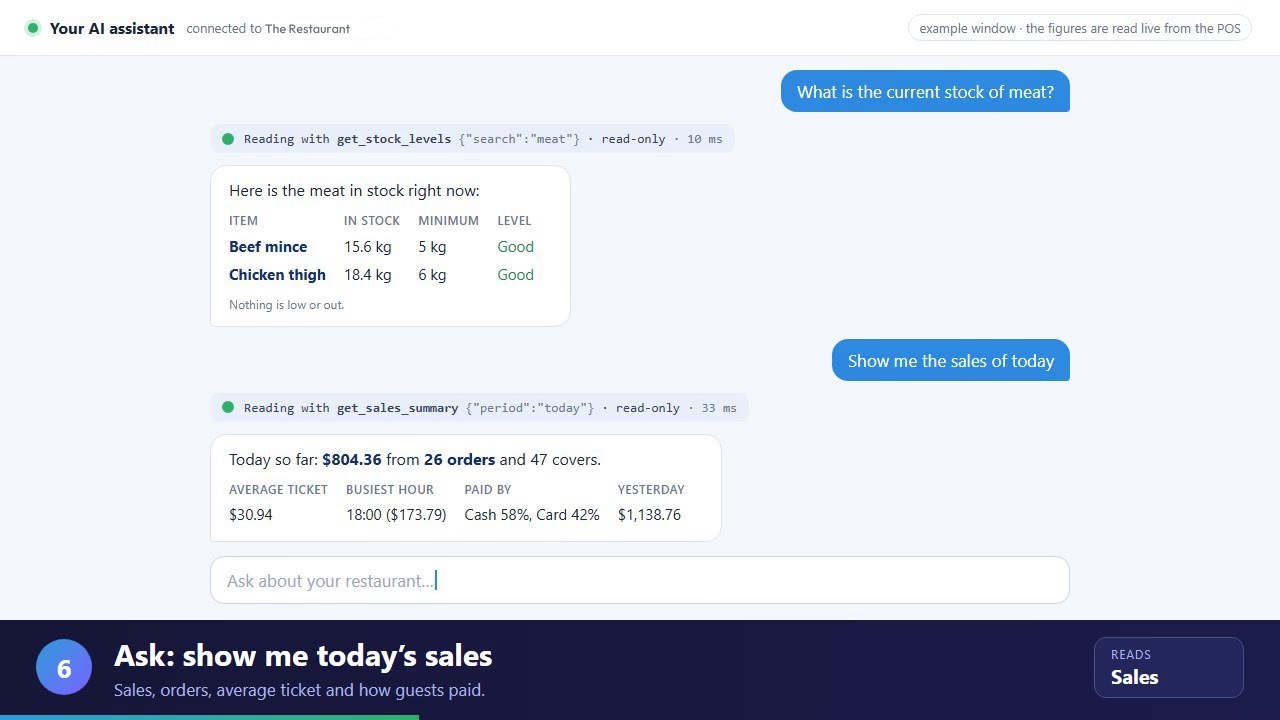 1:39AI assistantAsk your POS with AIConnect an assistant, then ask about stock, sales, fast movers and late orders. Read-only.